
API Explorer
Comprehensive guide to Aerobotics REST API including available data endpoints, usage instructions, and interactive API explorer
The API documentation includes an interactive API explorer that allows you to test endpoints directly in your browser. You can:
- Make live API requests and view responses without leaving the documentation
- Explore different endpoints with real-time parameter validation
- View example responses for each endpoint to understand the data structure
Full reference can be found here.
Prerequisites
Before using our API, you need to have an API access token. In order to view your Access Token, please make sure you are logged in. This token will be available only if you have been granted access to our Enterprise API.
Access Tokens need to be passed using an auth header with the Bearer identifier, this authenticates your user account with the API. If you want to go deeper on how the Authorization:Bearer header works please check out the full spec here.
Never give your Access Token to a third partyYour Access Token can give access to your private Aerobotics data and should be treated like a password and stored securely.
If you would like to generate a new Access Token, please email [email protected].
Usage
1. Select an API endpoint
To access the API explorer, visit the REST API reference and select any API endpoint.
2. Authenticate
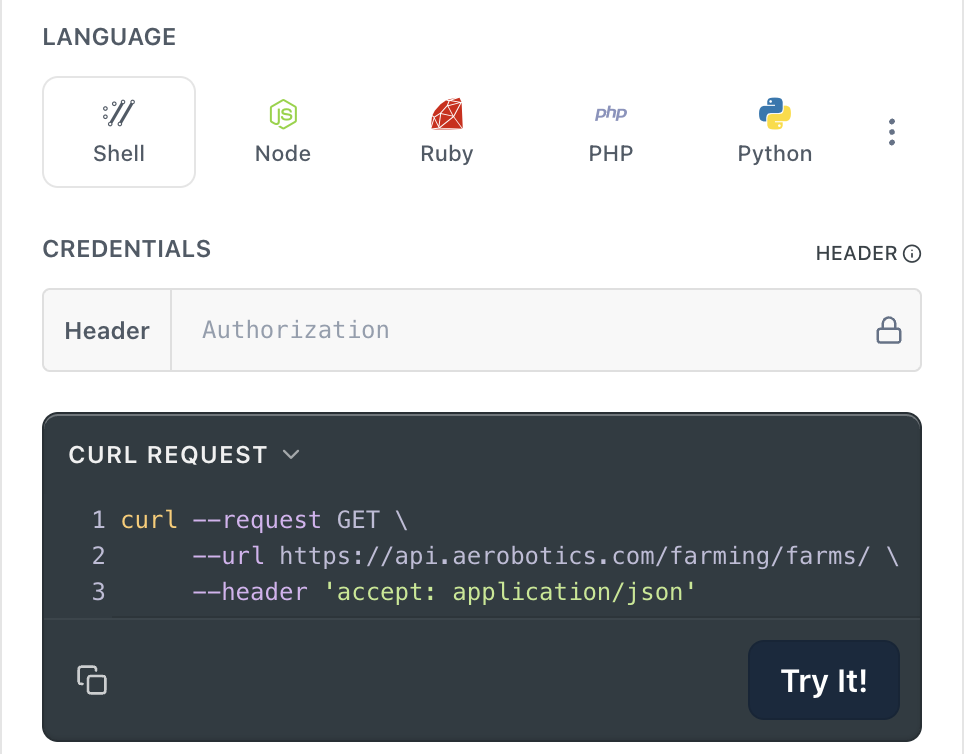
After choosing an API endpoint, ensure your personal access token is filled in on the right side of the page:
3. Build the request
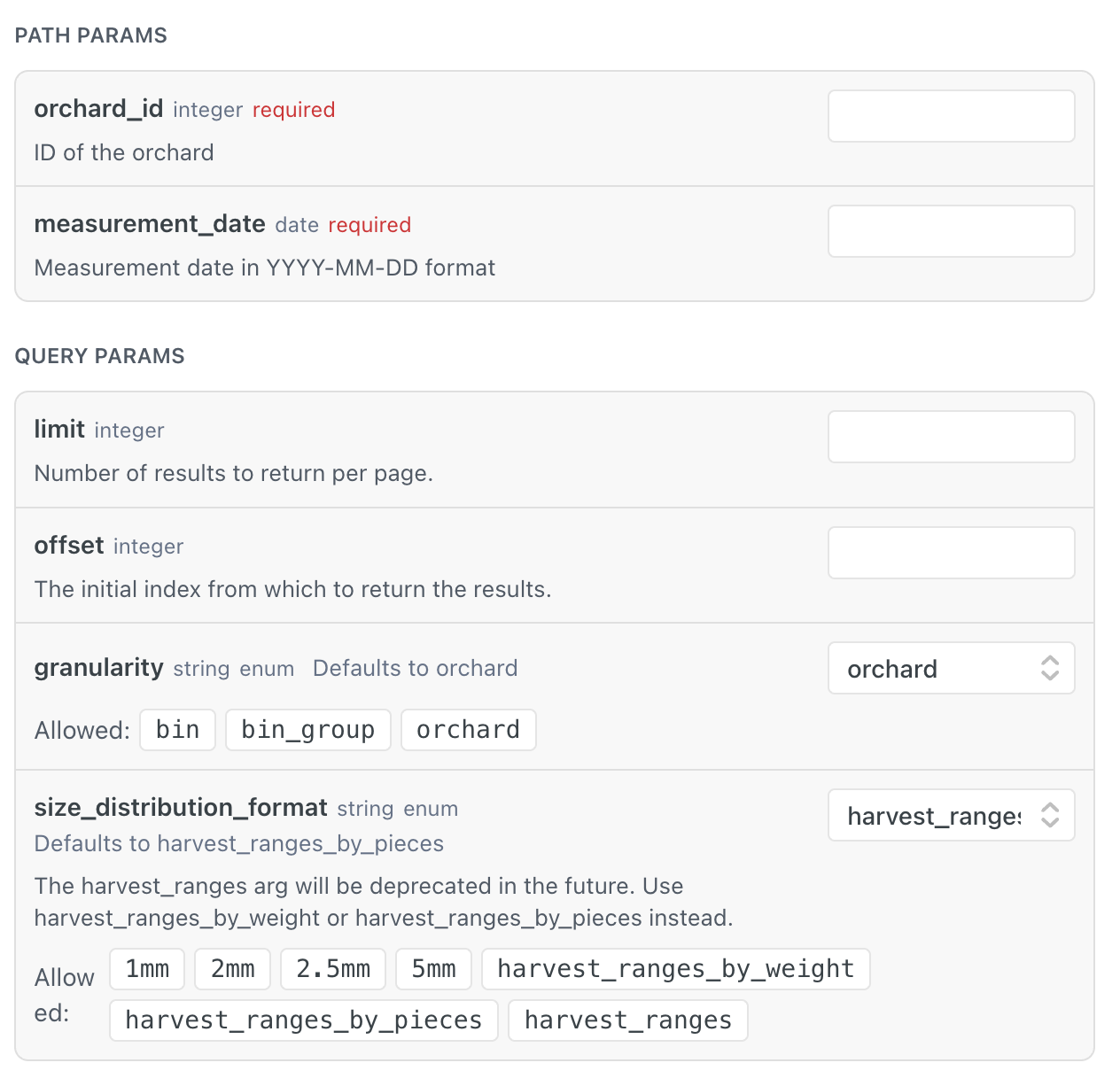
Provide the required request parameters and filters:
4. View the response
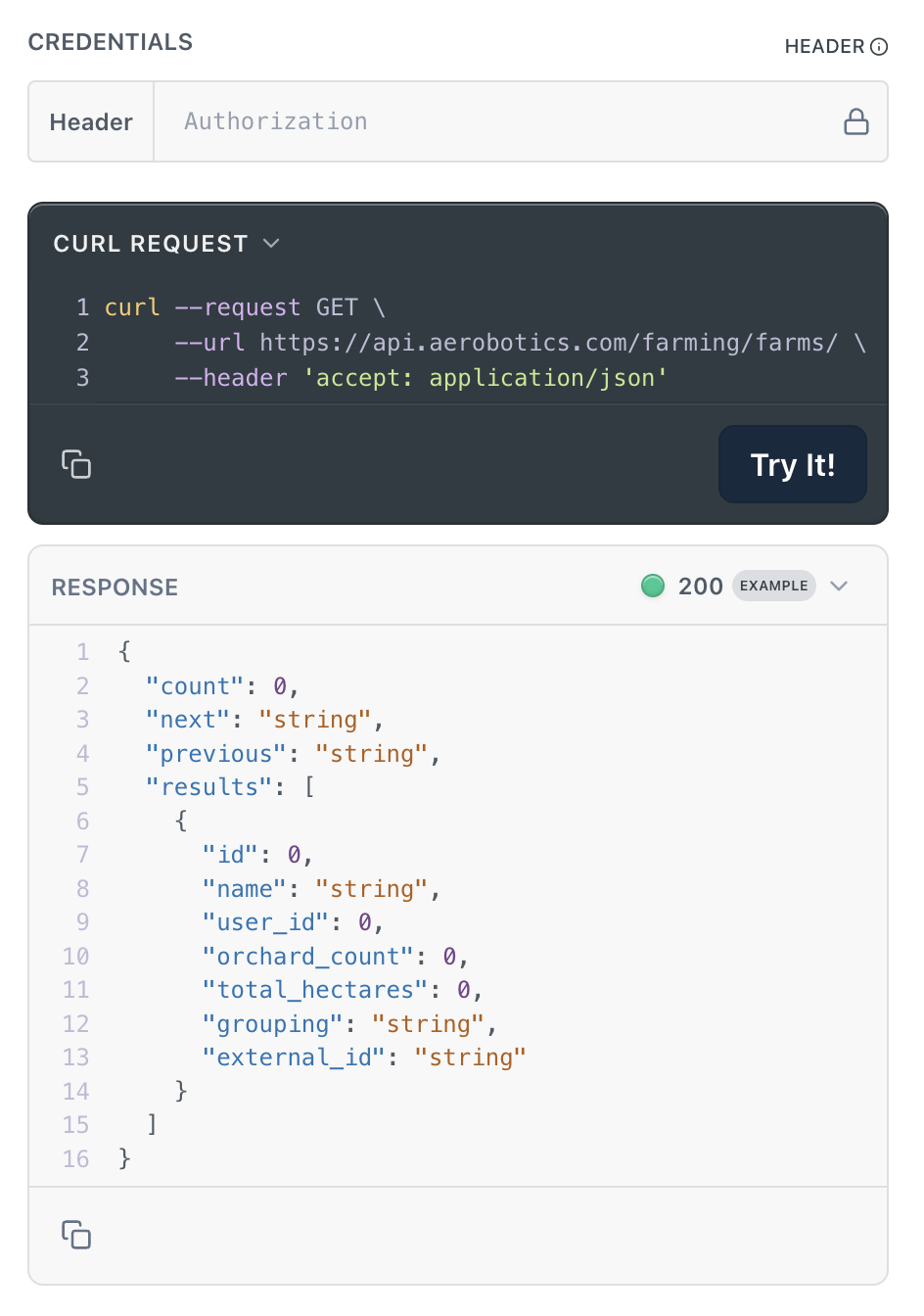
Once the request has been built, select Try It! to make your API request. For example, the following shows an example request and 200 response:
Common Approaches
The API uses common approaches for the following:
| Function | Description |
|---|---|
| Data | API data is JSON-encoded with UTF-8. API JSON is either a single object or a paginated list of objects. |
| Errors | 4xx and 5xx responses returning JSON with error codes. |
| Rate Limiting | Controls how many requests can be made in a time window. |
| HTTP | Methods are used in accordance with HTTP (GET is the only method used) and resources are identified using URIs. All API requests are sent over HTTPS. |
Response Formats
- JSON: All data returned in UTF-8 encoded JSON
- Pagination: Large datasets include count, next/previous page URLs
- Error Handling: Standardized 4xx/5xx HTTP response codes with detailed error messages
Updated 10 months ago